
Gear After Hours: Good tech. Real life.

The latest from the desk
Good questions. Useful answers.
Buying Guide
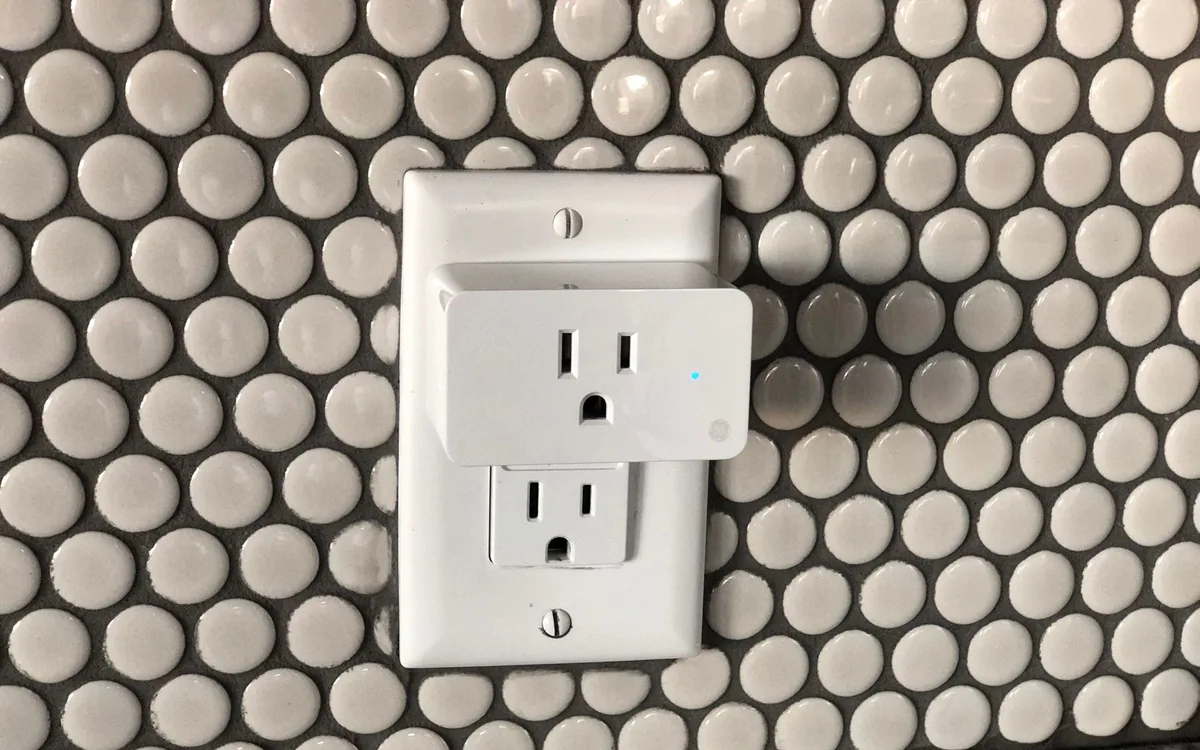
The Smart Plug Upgrade That Makes Sense in a Rental
Start with one awkward lamp, check the load, and keep a physical way to turn it on. A practical smart-plug plan for renters.
Comparison
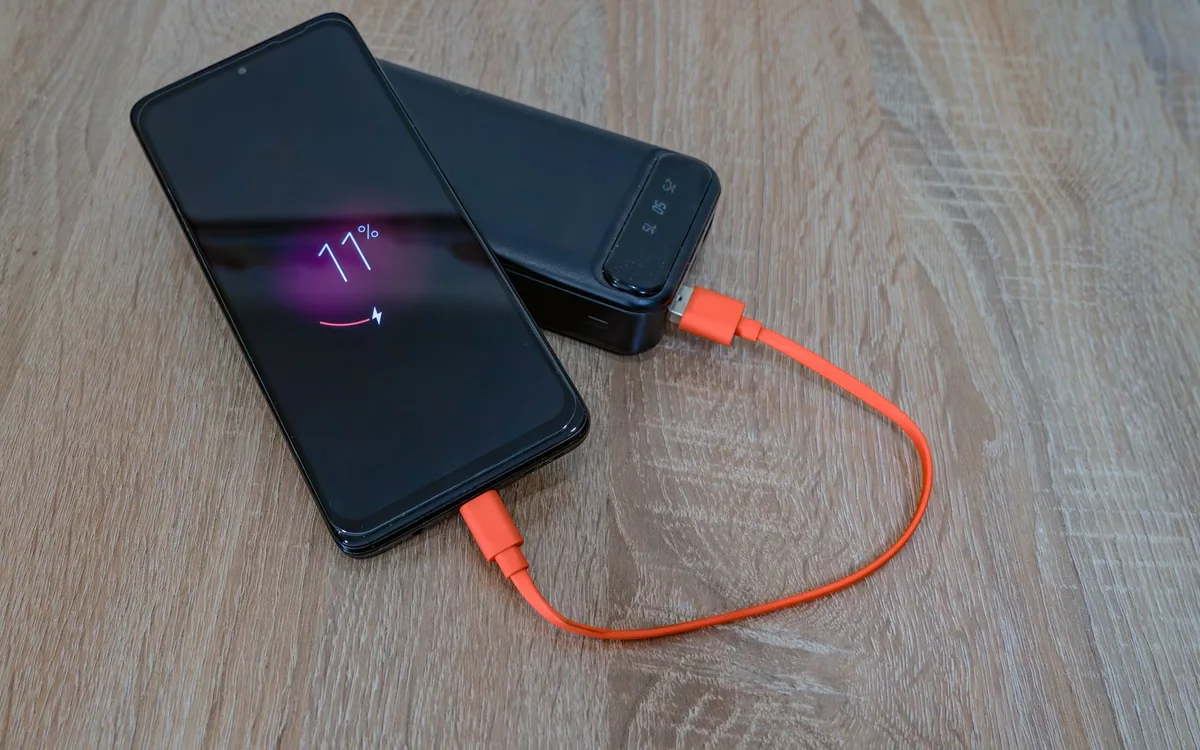
Magnetic Power Bank or Cable: What Works on a Long Day Out?
Magnetic charging is convenient in a queue; a cable can be easier in a jacket pocket. Choose around how you use your phone when its battery gets low.
Buying Guide
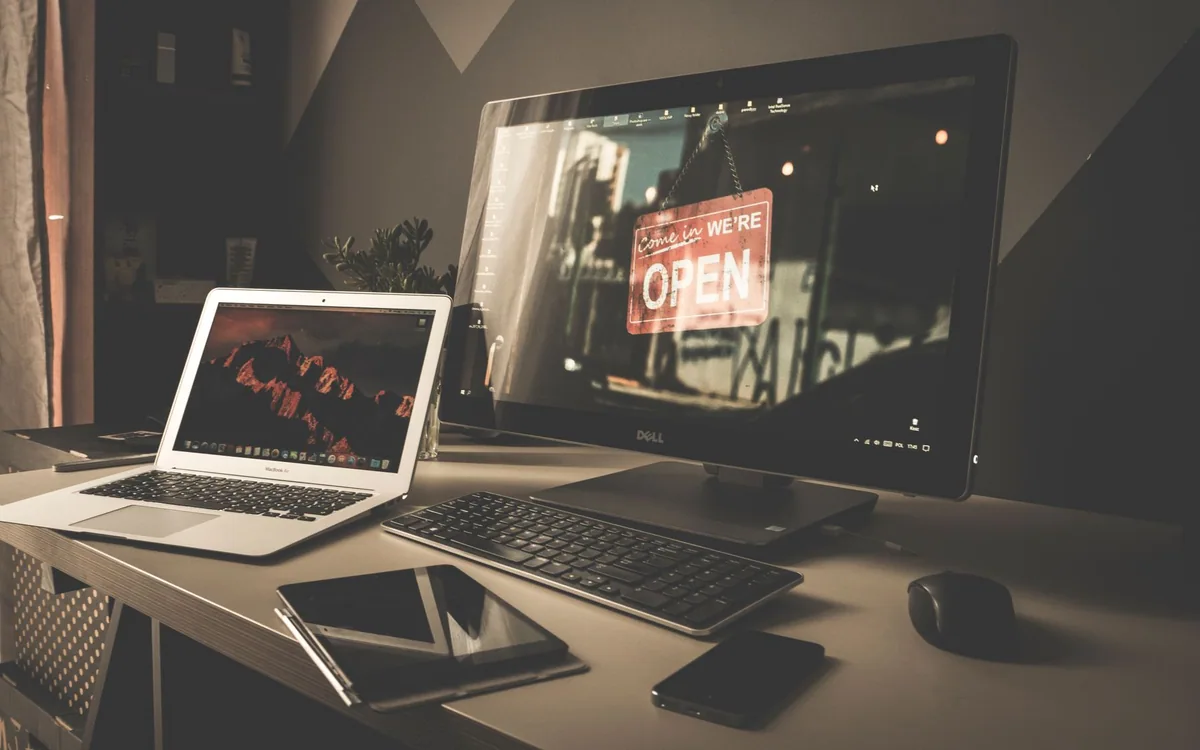
Choosing a 27-Inch Monitor for Workdays and Games After Dinner
A shared work-and-play screen needs the right text size, refresh rate, inputs, and desk fit. Decide which compromises you will notice before chasing a specification.

Buying Guide
Noise-Canceling Headphones for a Home That Never Quite Goes Quiet
Find the right balance between focus, household awareness, video calls, and evening listening before spending on premium headphones.
How To
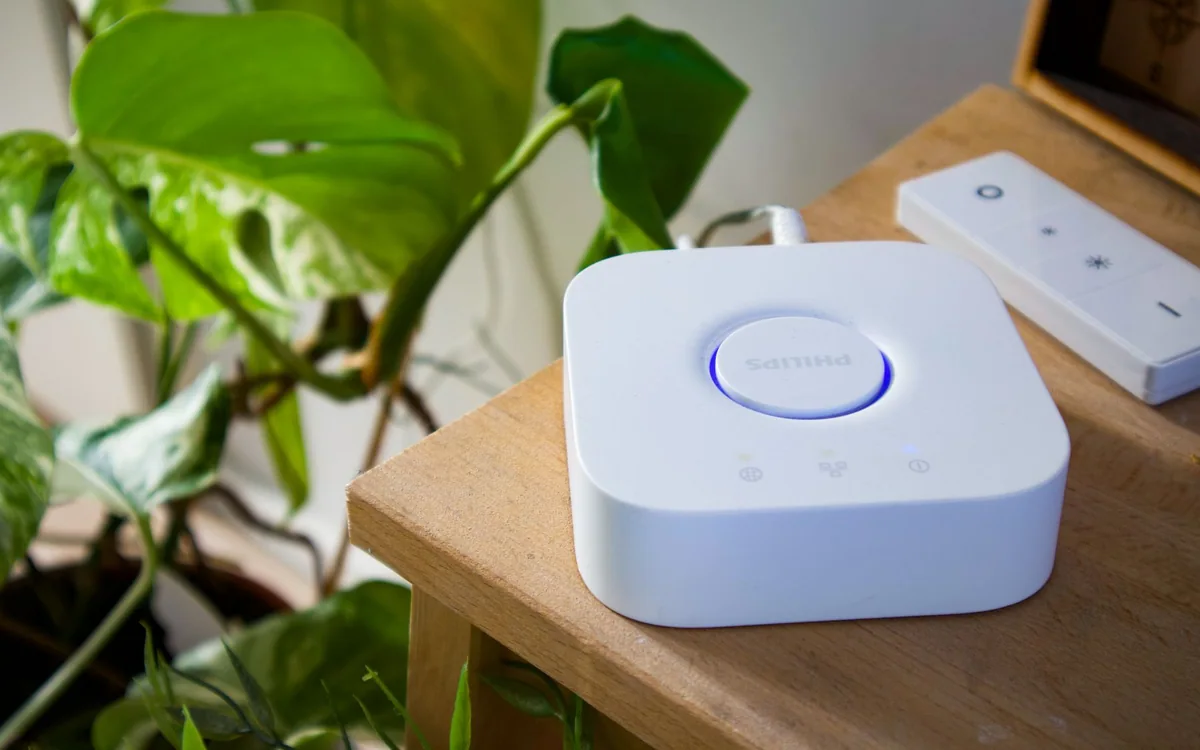
A Matter Smart Home Starter Plan Without a Box of Regrets
Choose your home app, understand Wi-Fi and Thread, and make one small automation work before expanding.
Buying Guide
Choose a Power Bank for the Journey, Not Just the Flight
Plan for the airport, connections and arrival. Compare usable power, laptop support, weight and current airline requirements before packing.

Buying Guide
How to Choose a Phone Case for Everyday Drops and Busy Hands
The right case needs to fit your grip, pockets, charger, and exact phone. Here is a practical way to choose protection without turning your phone into luggage.
Buying Guide
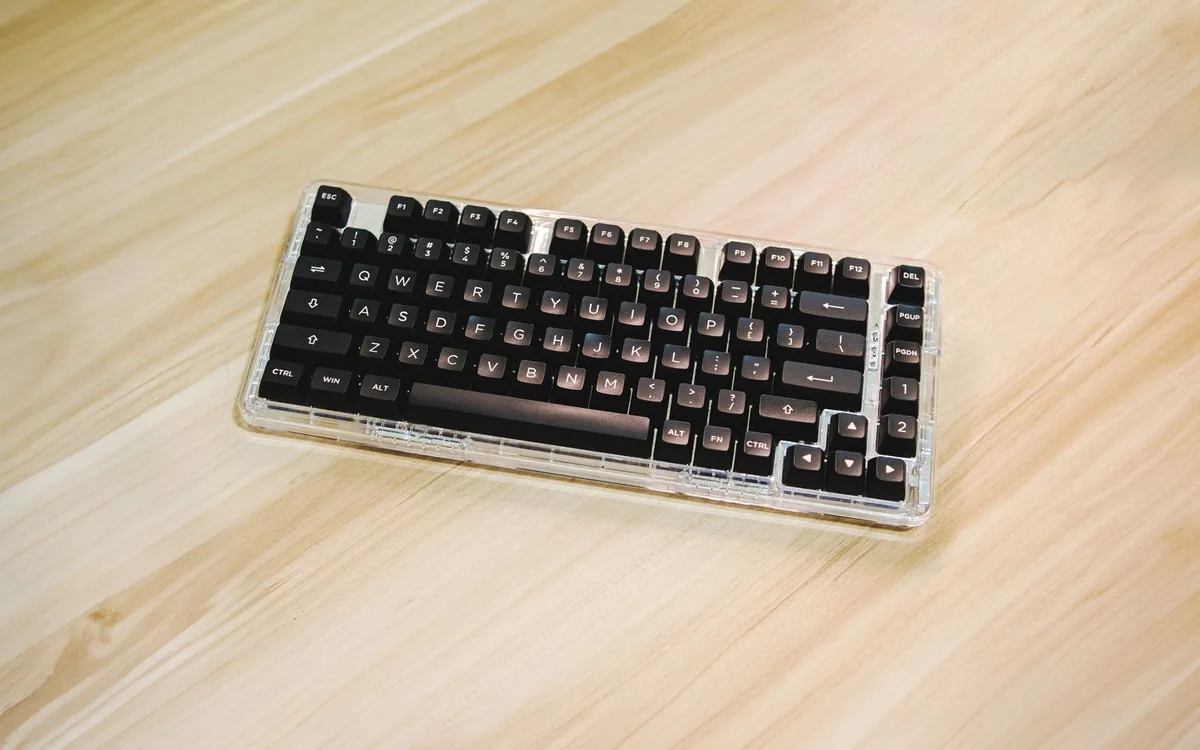
A Mechanical Keyboard in a Shared Room: What to Check Before Buying
A satisfying keyboard should also suit the people nearby. Consider sound, layout, desk space, and connection choices before choosing switches and lighting.

Comparison
Open-Ear or In-Ear Headphones for Your Evening Walk?
The choice starts with your route and your ears. Compare an open-ear design with sealed earbuds without assuming either one makes a walk safe.
Buying Guide
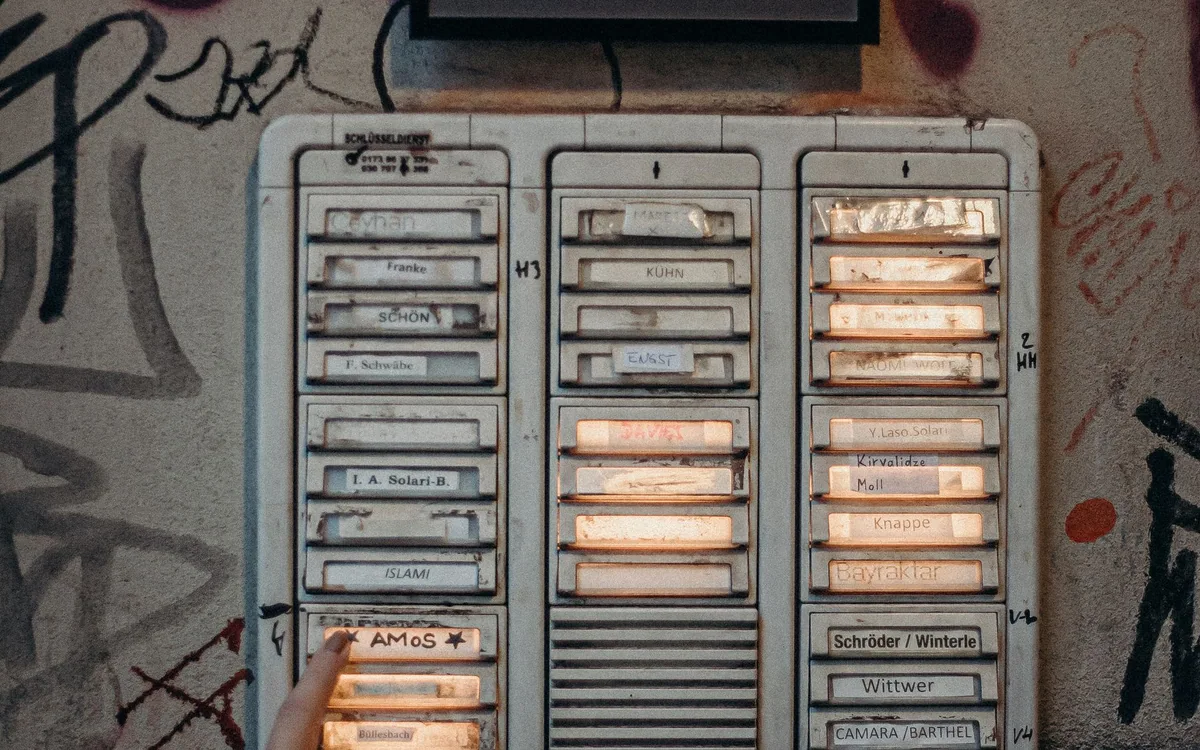
Before Buying a Video Doorbell for Your Apartment, Check the Door
Lease rules, hallway views, door clearance, Wi-Fi and recording costs matter more than another camera specification.
How To
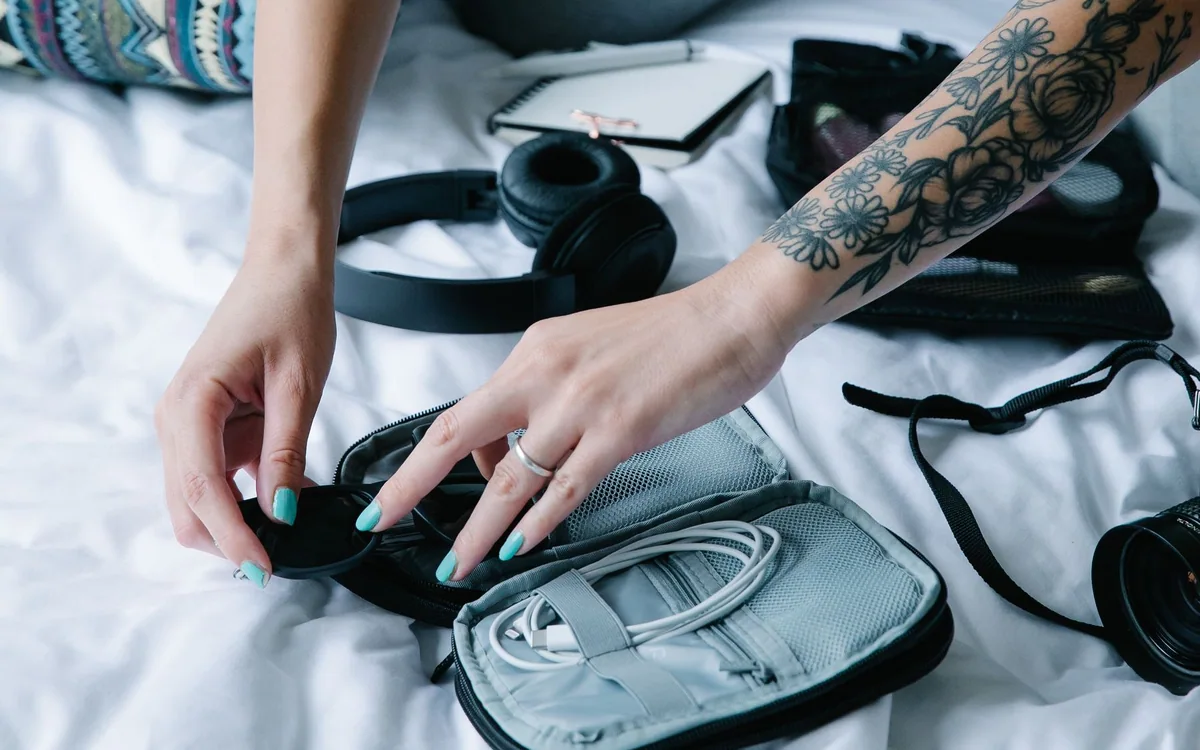
A Better Tech Pouch Starts With Removing Half the Contents
Build a small working kit, give essentials fixed locations, and choose an organizer only after you know what must fit.

Comparison
iPad or Laptop for Evening Study: Choose Around the Assignment
Reading a chapter, annotating a diagram, and submitting a spreadsheet are different jobs. Match your next study device to the work you must finish after hours.

Buying Guide
Choose a Mouse for Long Workdays by Fit, Reach, and Routine
A high sensor number says little about whether a mouse suits your hand. Start with the desk and daily tasks, then decide which controls earn their place.
Buying Guide
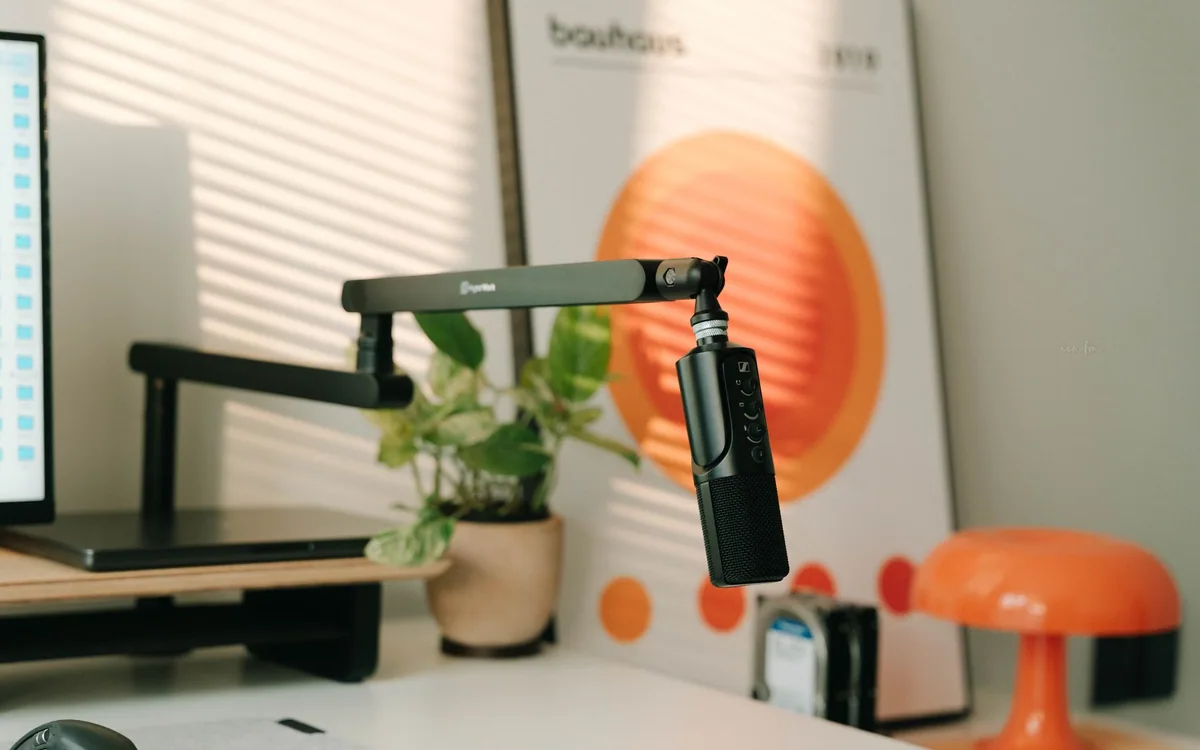
A USB Microphone for Evening Calls: Fix the Setup Before Buying More Gear
A dedicated microphone can help a fixed desk, but distance, room noise, mute controls, and a sensible connection matter more than a studio look.
Buying Guide
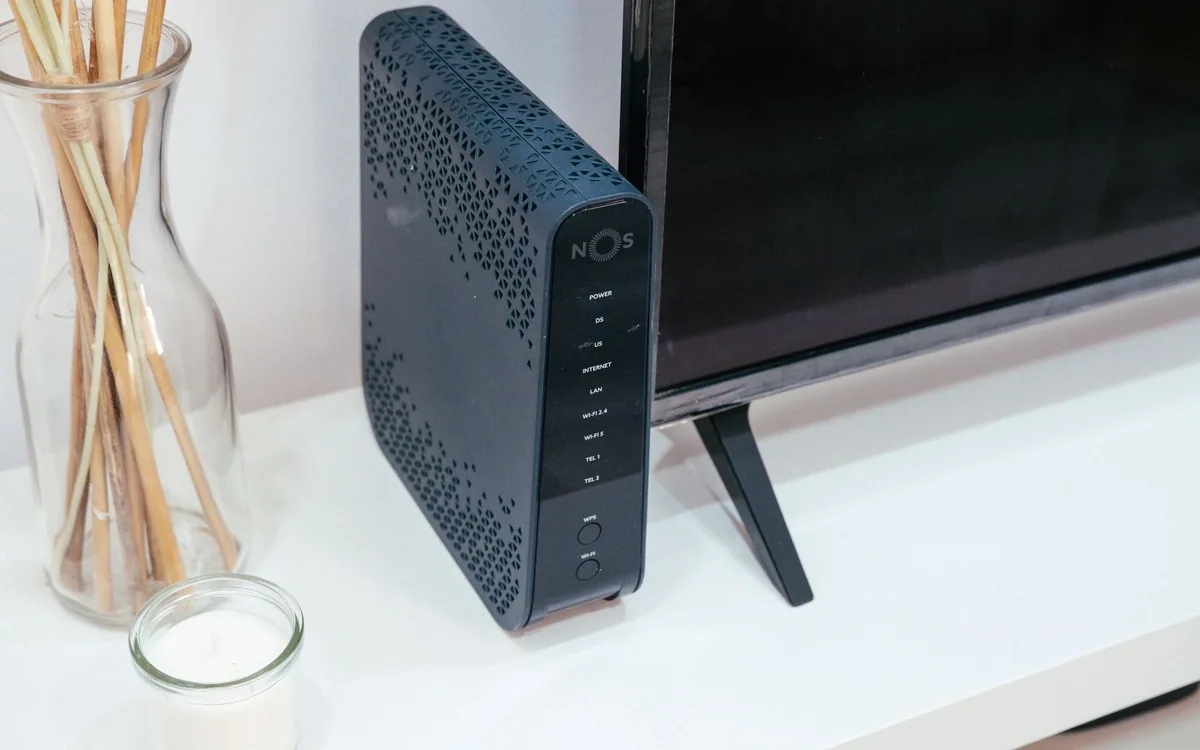
Do You Need Mesh Wi-Fi, or Just a Better Router Location?
Diagnose the back bedroom before buying a three-pack. Placement, wired backhaul, and the internet plan each solve different problems.
Buying Guide
Will a Portable Monitor Actually Improve Your Hotel Workday?
A second screen helps some tasks and crowds others. Check your laptop port, desk depth, power and working posture before packing one.
How To
Free Up Phone Storage Before a Trip Without Losing the Photos
Make room for maps, tickets, and holiday photos before departure. A careful cleanup starts with verified copies and ends with a useful offline check.
Buying Guide
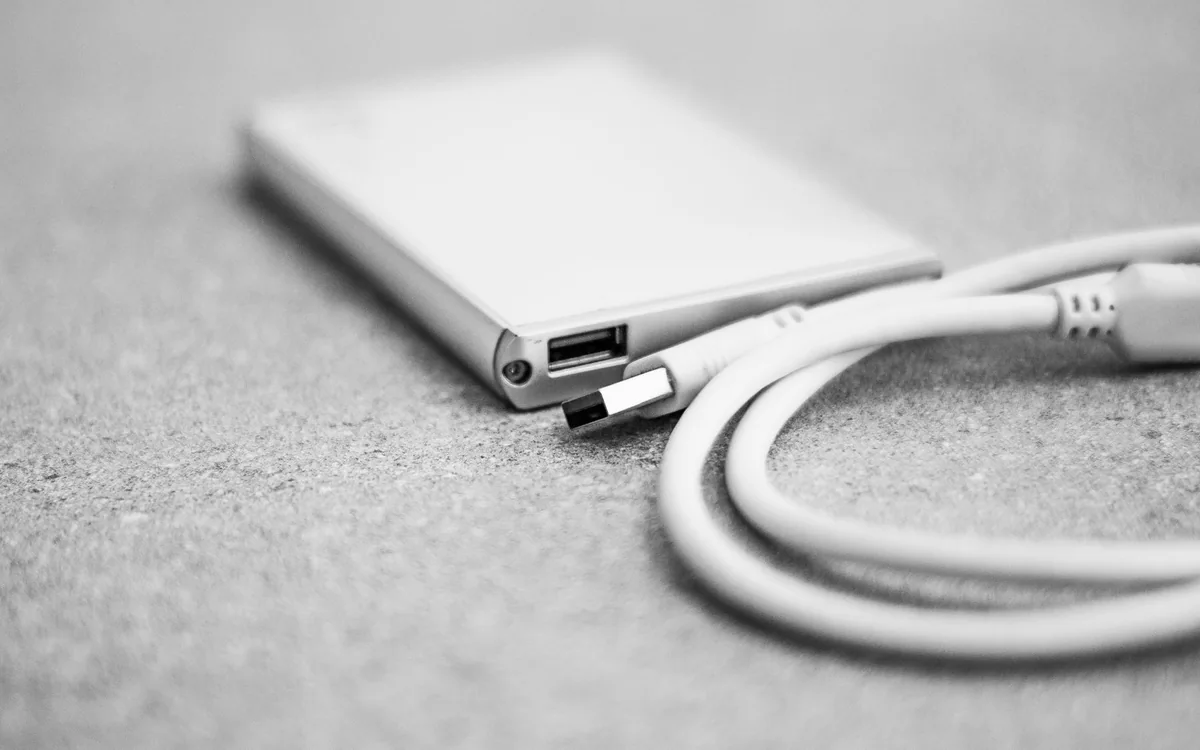
Use a Portable SSD for Family Photos Without Making It the Only Copy
A portable drive is useful for gathering years of pictures, but the storage purchase is only one part of protecting the library. Build a copy-and-check routine first.

Buying Guide
How to Choose a Bluetooth Speaker for a Small Apartment
For cooking, background music, and a room that doubles as everything, portability and easy placement can matter more than maximum output.
Comparison
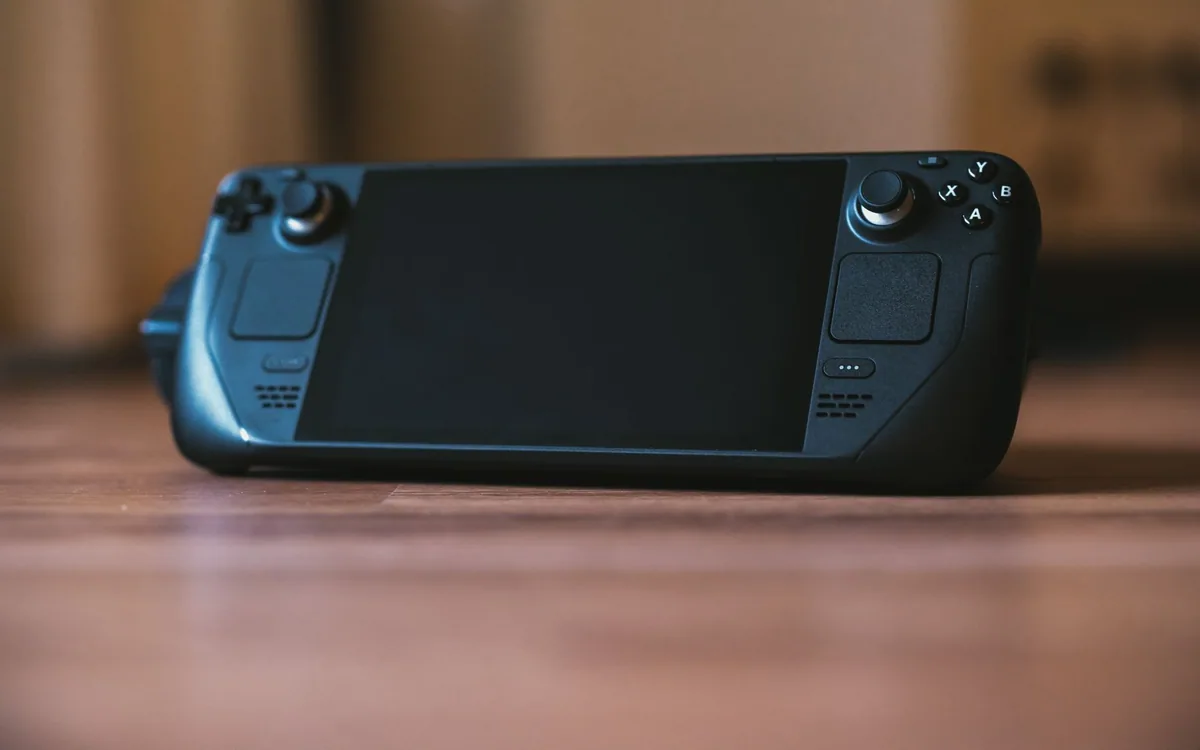
Handheld Console or Phone Controller: Buy for the Games First
Start with the games and offline access you want, then compare a dedicated handheld with physical controls for the phone you already carry.
Featured in Smart Home
View all

Buying Guide
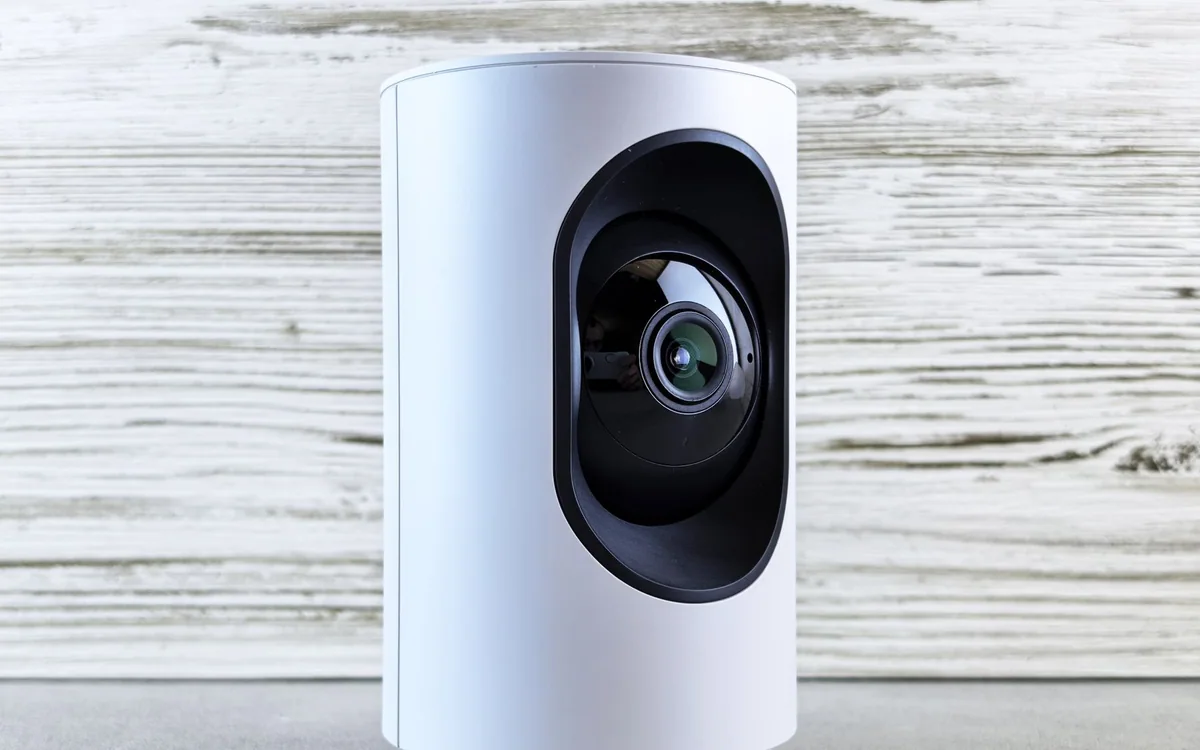
Set Up Bedside Charging That Works When You Are Half Asleep
A bedside charger should be easy to reach, easy to align, and quiet in the dark. Plan the space before buying a magnetic pad or a multi-device stand.
Comparison
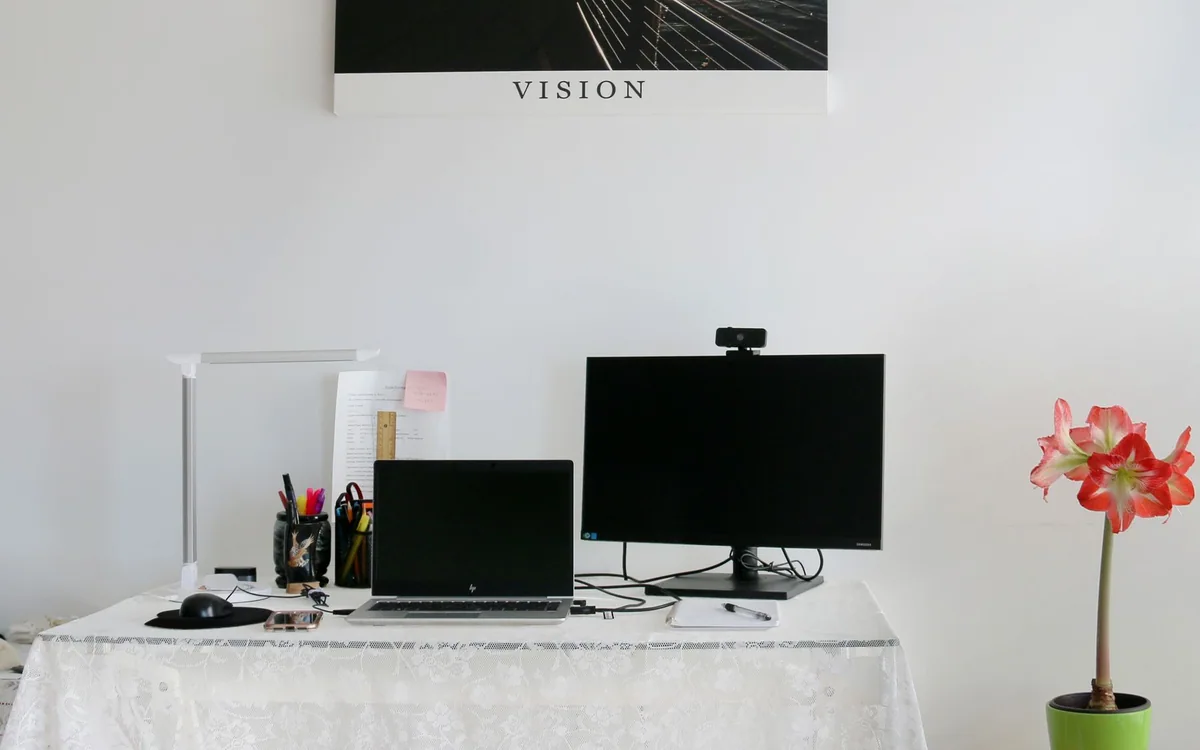
Webcam or Phone for Video Calls: Choose the Setup You Will Actually Use
A phone can be a useful camera you already own. A dedicated webcam stays ready when a call starts. Compare the complete setup before buying more pixels.

Buying Guide
When Wired Headphones Still Make More Sense
A cable can be a useful shortcut at a fixed desk. Choose the connection, microphone arrangement, and daily reach before comparing headphone features.
Buying Guide
The Indoor Camera Privacy Checklist to Use Before Checkout
Define what you need to see, who can view it, and when recording should stop before putting a camera inside your home.
Buying Guide
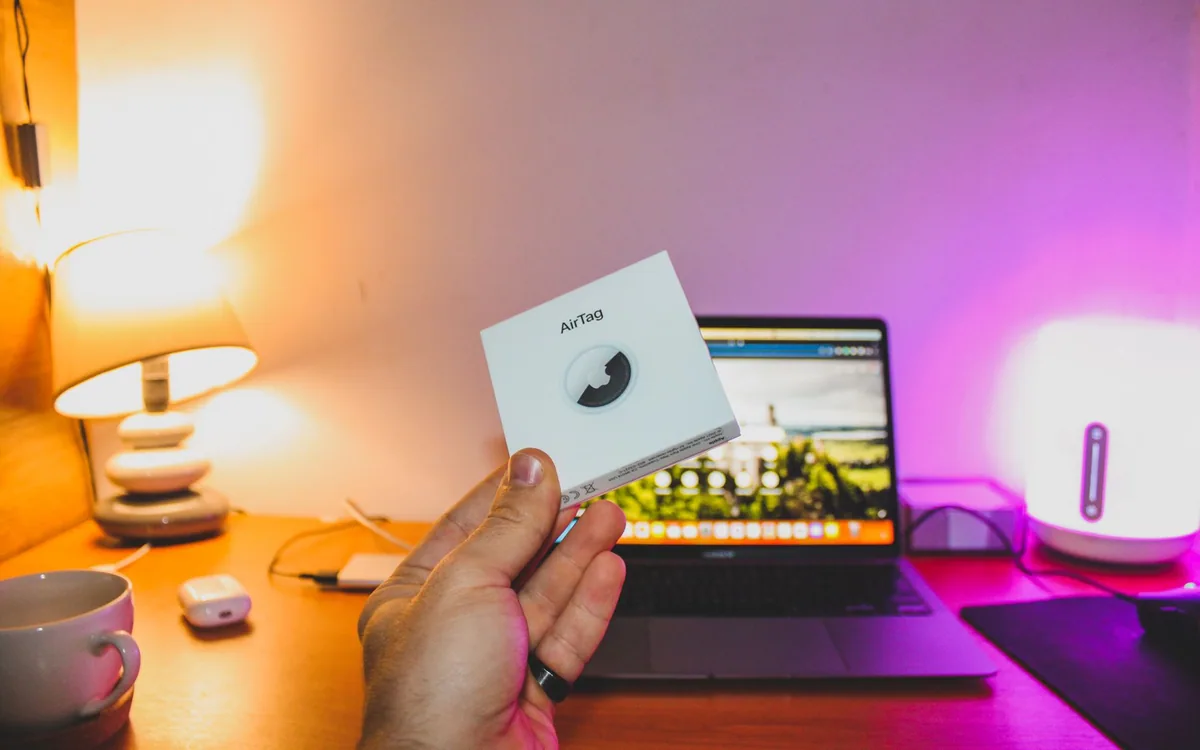
What a Bluetooth Tracker Can Actually Do for Your Travel Bag
Choose the right phone network, understand location delays, and set up your tracker before the day you need it.
Buying Guide
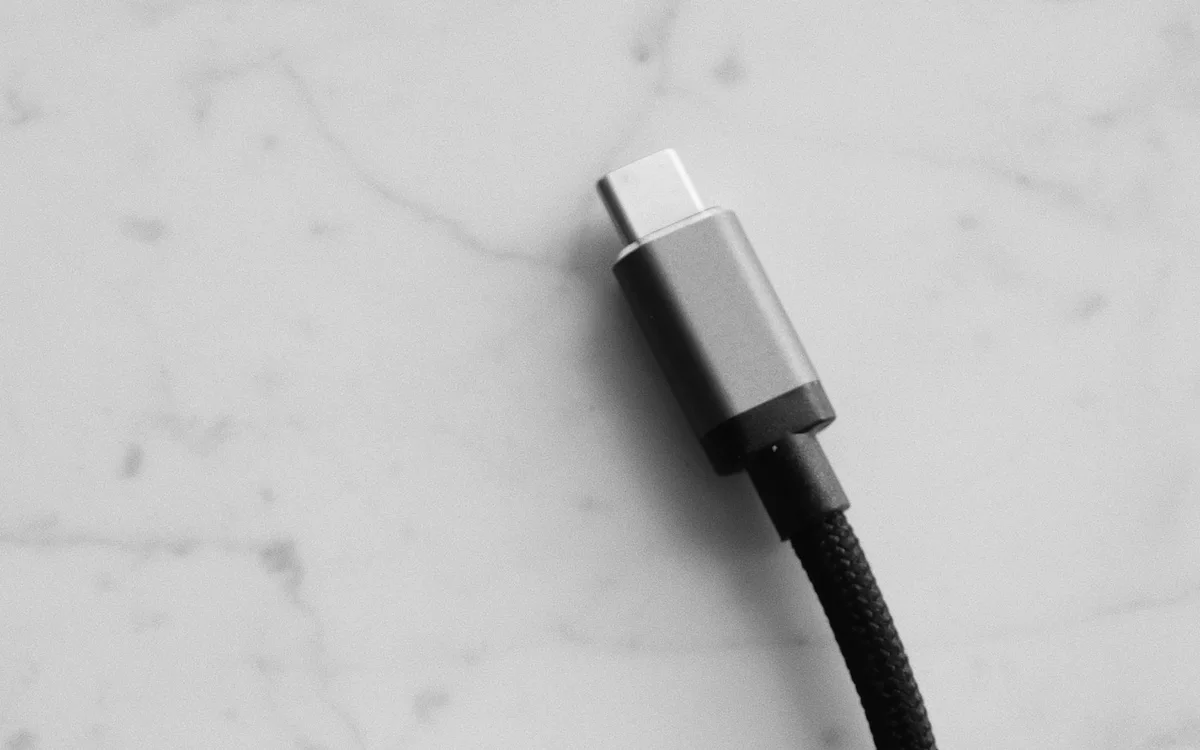
USB-C Cables: How to Tell Charging, Storage, and Display Jobs Apart
Identical-looking plugs can hide very different capabilities. Buy a cable for its documented job, whether that is charging a phone, moving video, or connecting a display.
Buying Guide
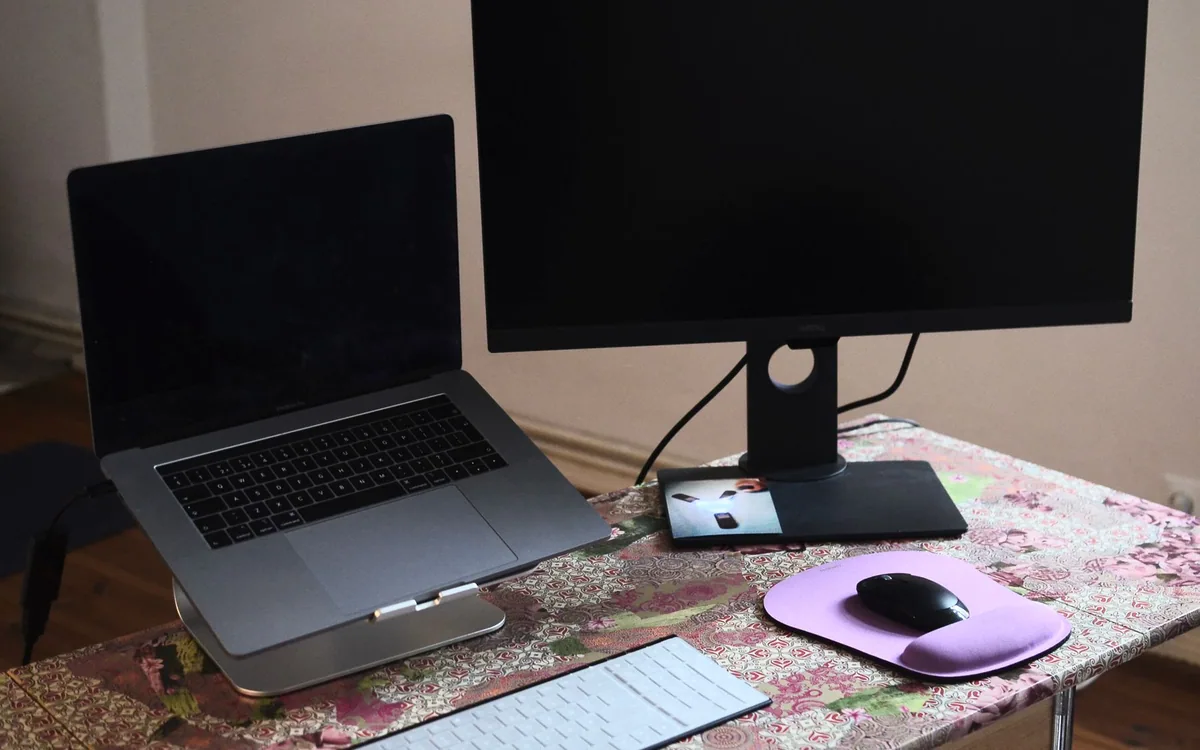
Laptop Stand and External Keyboard: A Better Desk Starts with Position
Raising a laptop changes where the screen sits, but it also moves the keyboard. Build the complete arrangement around your desk, chair, and available space.
How To
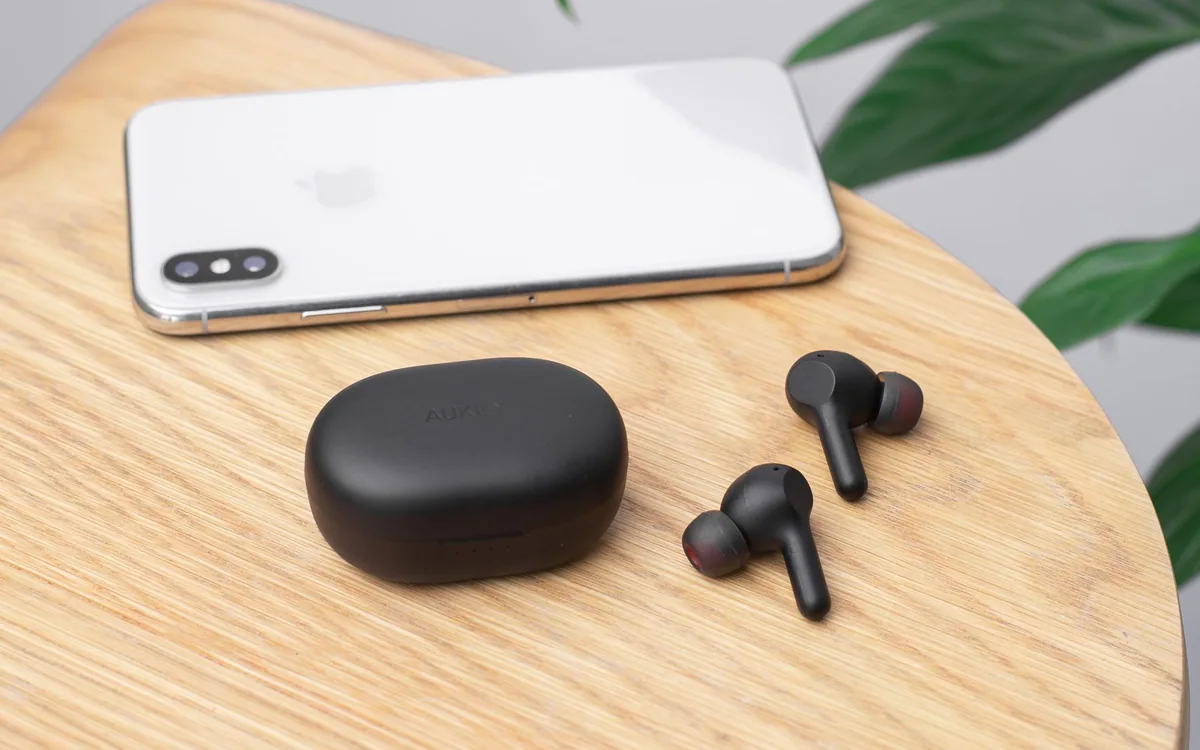
Bluetooth Multipoint Explained for a Phone-and-Laptop Day
Two connected devices can reduce manual reconnecting, but multipoint is not the same as mixing two audio streams. Build a predictable switching routine.

Buying Guide
Is a Robot Vacuum Worth the Floor Space in a Small Home?
The dock, thresholds and daily floor clutter decide more than the size of your apartment. Measure the route before shopping.

Comparison
Take a Camera or Just Your Phone on a Weekend Trip?
Choose around the pictures and clips you want to bring home. A separate camera helps only when it solves a specific limitation.
Buying Guide
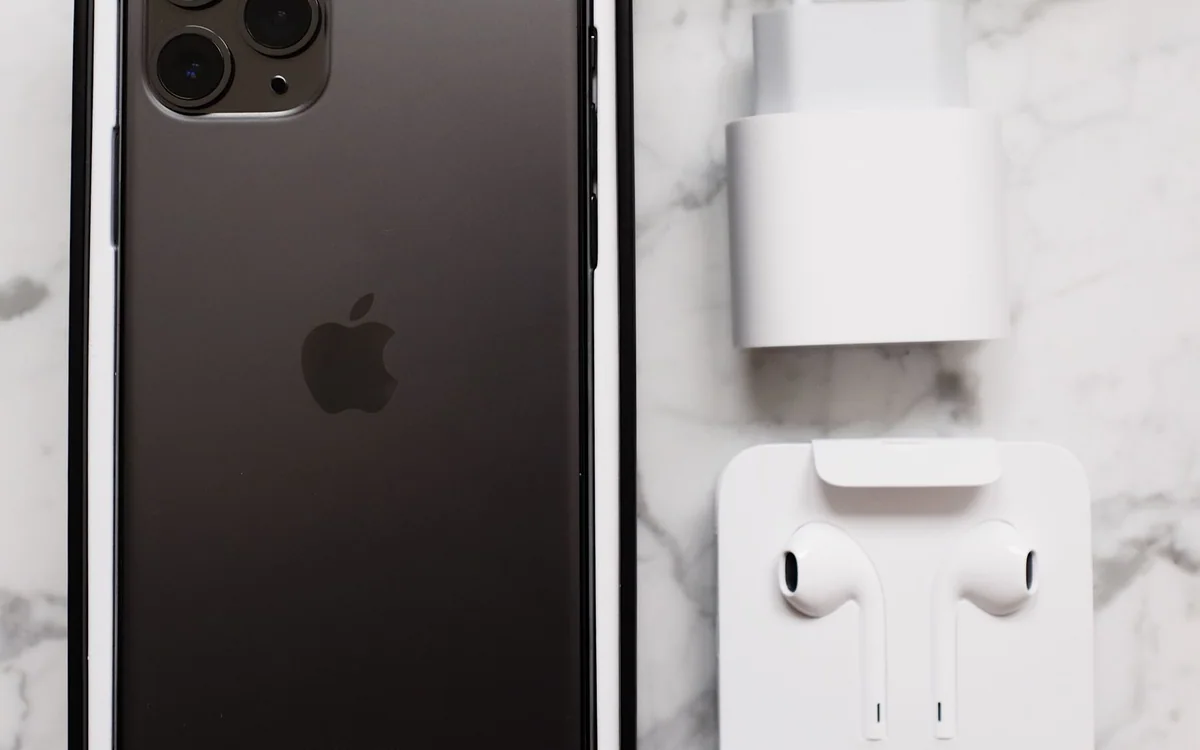
A Refurbished Phone Buying Checklist for People Who Need It to Last
A low price is only useful if the phone can activate, hold a charge, and work with your carrier. Check the seller’s promises before choosing a refurbished device.
Buying Guide
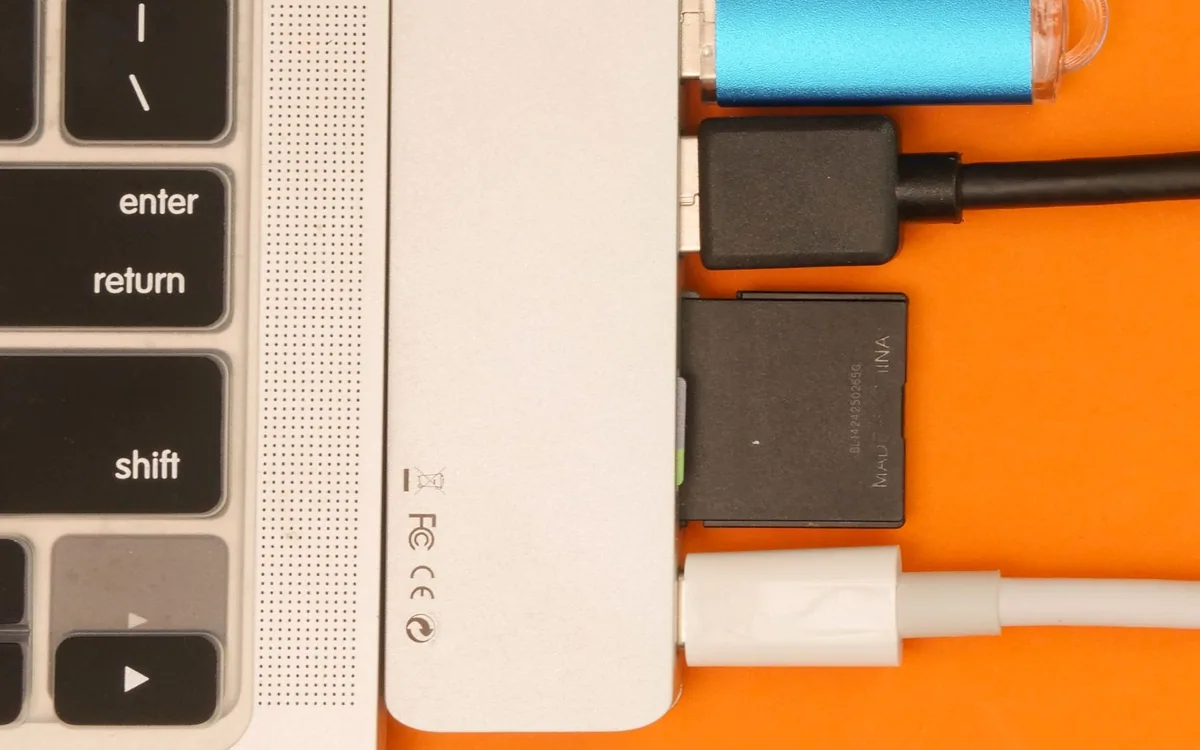
Choose a USB-C Hub for a Home Office, Not Just a Longer Port List
HDMI, card slots, USB data, and charging can share one small accessory. Read the limits for your exact laptop and display before choosing a compact hub.

Buying Guide
Late-Night TV Audio Without Taking Over the House
Start with the television outputs, then choose wired headphones, existing Bluetooth gear, or a dedicated transmitter system that fits the room.

Buying Guide
Buy a Smart Speaker for the Room, Not the Whole Ecosystem Pitch
Choose between voice control, casual listening and serious room audio before paying for a larger speaker or screen.

Buying Guide
Choose a Car Phone Mount Before Choosing Its Charging Speed
Start with visibility, vent shape and secure placement. Then decide whether magnetic charging or a simple cable fits the way you drive.
A better setup starts with a better question. Find your next guide ↗