Will a Portable Monitor Actually Improve Your Hotel Workday?
Our buying advice is based on published specifications and documented features. The shop links below go to official stores and currently contain no affiliate tracking. Read our disclosure.
Gear to consider
Start with your use case. Check the store for the current price, compatibility, and availability.
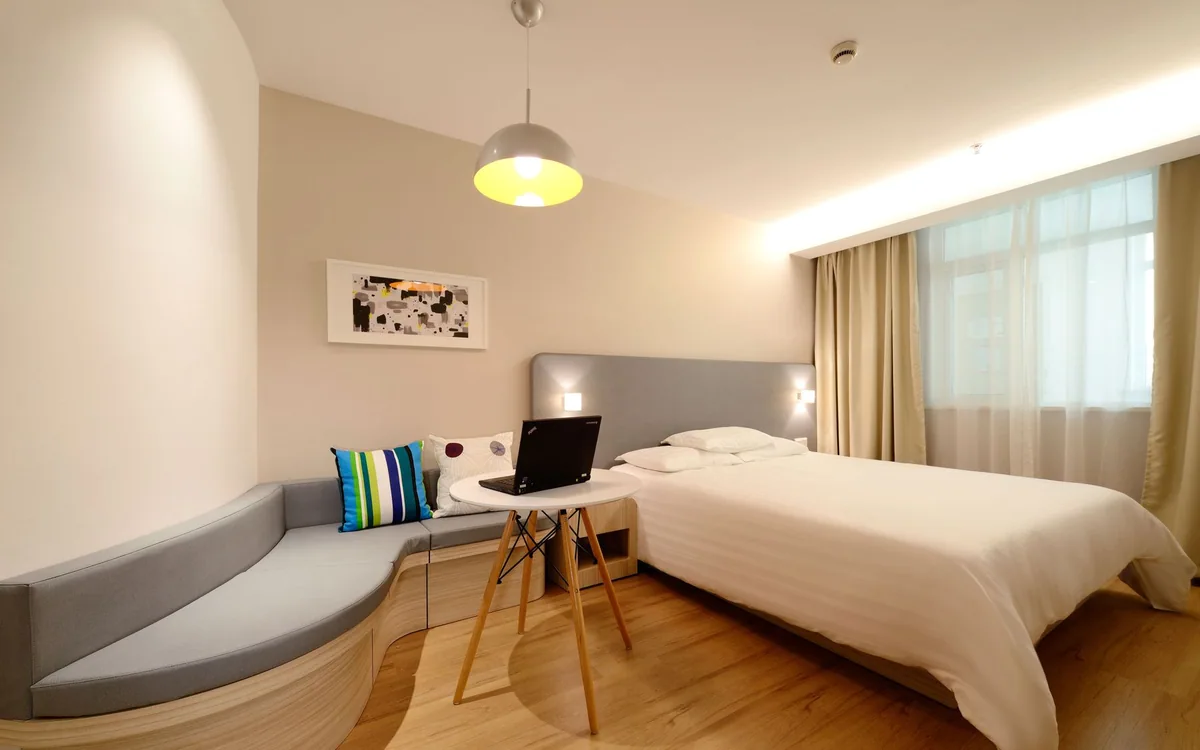
You are reconciling a document against a spreadsheet on a hotel desk barely wider than the laptop. Switching windows breaks concentration, so a second screen seems like an obvious purchase. But the desk also has a lamp, a kettle tray, and only one convenient socket.
The decision is not whether two screens are generally better than one. It is whether a particular display, stand, connection, and working posture improve the tasks you actually perform away from your usual desk.
| Work pattern | Likely approach | Check first |
|---|---|---|
| Repeated side-by-side reference | Portable monitor | Port support and stand footprint |
| Short email sessions | Laptop only | Window arrangement tools |
| Managed work laptop | IT-approved connection path | Driver installation permissions |
Name the task that needs a second view
A separate reference document beside an editor is a clear use case. So is a communication window you must monitor while working elsewhere. For a short round of email or a single browser-based form, a second panel may add little. Notice whether you are truly comparing simultaneous information or simply leaving unused windows open because you can.
Try your operating system's window arrangement tools on the existing laptop before buying. If the problem remains, estimate how many hours of the trip involve that task. A display carried for one brief session has a different value from a display used throughout a week of remote work. This also helps decide whether renting a workspace is a better solution.
Inspect the exact laptop port and connection path
USB-C is a connector shape, not a complete display specification. Check whether the laptop port supports the output method required by the monitor. Some portable screens use a native display connection; others rely on a USB graphics path or software. Those differences affect setup, compatibility, permissions, and whether a work-managed laptop can use the display.
ASUS's ZenScreen MB16AC is a specific portable-display option to examine, with a 15.6-inch Full HD panel. Before ordering, read its current connection and operating-system requirements alongside your laptop documentation. Do not generalize from another ZenScreen model with a similar name. Keep the supplied or specified display cable identifiable so it is not replaced by an unsuitable charging-only lead.
Treat the stand as part of the screen
A display that technically fits in the suitcase still needs a stable angle and enough desk depth. Fold-out covers, kickstands, and separate stands occupy different footprints. Check whether the screen can sit at a usable height without blocking the laptop or extending beyond the table edge. A slim panel with an awkward support can be less portable in practice than its thickness suggests.
Use a paper rectangle to visualize the screen and support on a typical desk before purchasing. Include the laptop, mouse, and cable exits. A portrait orientation may help reading, but only if the stand and software support it in a way that suits your work. Avoid relying on improvised unstable objects to make an unsuitable setup comfortable.
Include power and text size in the comparison
A screen powered from the laptop adds to the laptop's battery load. A separately powered screen adds an outlet and another cable. Check the documented requirements and then plan your charging kit as a whole. Pass-through power, where offered, still has limits and should be checked for the exact display rather than inferred from a USB-C port.
Resolution alone does not establish readable text at your preferred scaling. A very dense panel may require adjustments, while a basic Full HD model may be sufficient for reference material. Consider brightness and reflections for the environments you use. We have not measured this screen's outdoor visibility or color accuracy, so specialist color work needs a more specific evaluation.
Protect the panel and set a clear skip rule
Pack the screen where it will not flex under a tightly stuffed bag or have its face pressed against plugs. Consider the protective sleeve, total packed weight, and whether the panel competes with more essential equipment. A dedicated second screen also creates another item to check when leaving a hotel, meeting room, or shared workspace.
Skip the purchase if you mostly work from shallow café tables, rarely compare two documents, or cannot install the software required by your chosen model. An existing compatible tablet may be an alternative, but check its actual second-screen workflow and power needs too. Buy a monitor to remove a repeated work interruption, then judge it by that task rather than by how closely the hotel resembles your permanent desk.
Common questions
Will any USB-C port run a portable screen?
No. Match the laptop port capability and software support with the requirements of the exact display.
Is a portable monitor useful on every trip?
It depends on your tasks and available desk space. Occasional short sessions may not justify its weight and setup time.
Can I use an existing tablet instead?
Possibly. Verify the supported laptop/tablet pairing, connection method, software requirements, and charging arrangement before relying on it.
Sources & editorial notes
Manufacturer and support documentation checked for this guide. Features, regional availability, and prices can change. Our recommendations apply those documented features to everyday scenarios; they do not represent hands-on testing.
- ASUS ZenScreen MB16AC official product page · Checked 2026-10-19
Found an error? Tell the editorial desk with the article link and a supporting source.