A Matter Smart Home Starter Plan Without a Box of Regrets
Our buying advice is based on published specifications and documented features. The shop links below go to official stores and currently contain no affiliate tracking. Read our disclosure.
Gear to consider
Start with your use case. Check the store for the current price, compatibility, and availability.
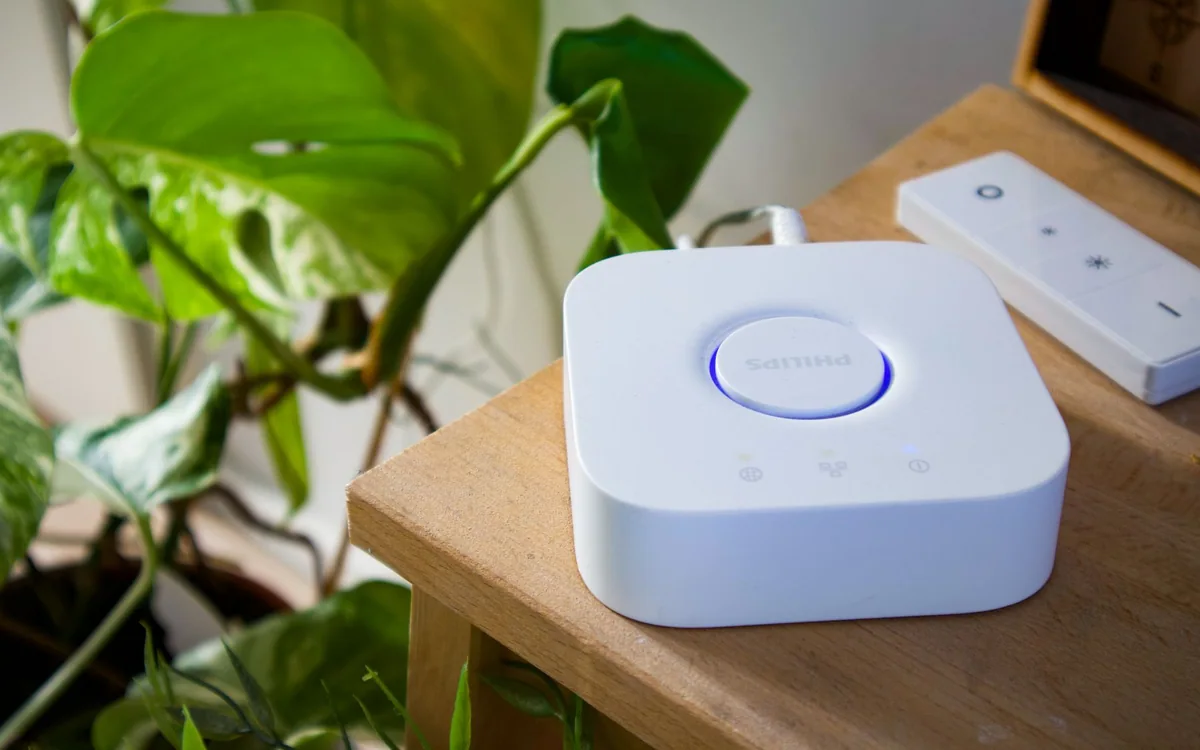
A bulb box says Matter. A sensor box says Thread. A speaker promises a home hub. You could buy all three and still discover that the control you want depends on another setting, a different accessory version, or an account nobody else in the household can access.
The economical starting point is a small written plan: what should happen, who needs control, and which home app should own the routine. Hardware comes after those decisions. This guide uses published standards and product information rather than hands-on performance claims.
| Term | Question to ask | Why it matters |
|---|---|---|
| Matter | Does this exact model support my required control? | Features vary by device and platform |
| Thread | Do I have a compatible border router? | Thread and Wi-Fi are different transports |
| Home controller | Which device or service owns my routines? | Automation and remote control have requirements |
Name one job with a clear fallback
Write a single sentence such as: the living-room lamp should turn off when we go to bed, and anyone should still be able to switch it on manually. That sentence defines the trigger, action, and fallback. It is a better purchasing filter than a promise to make the whole apartment smart. If the job cannot be described simply, narrow it before comparing accessories.
For a first project, avoid anything whose failure would leave someone locked out, cold, or unable to use an essential appliance. A lamp is forgiving. A door lock or heating control needs a more careful installation and recovery plan. You can learn the household's preferences without choosing the highest-consequence device first.
Separate Matter from the wireless connection
Matter is an interoperability standard from the Connectivity Standards Alliance. It is not another name for Wi-Fi or a guarantee that every product communicates over Thread. A Matter accessory may use a supported network transport; the exact device and controller determine the setup. Read the individual model's requirements rather than assuming every Matter label describes the same installation.
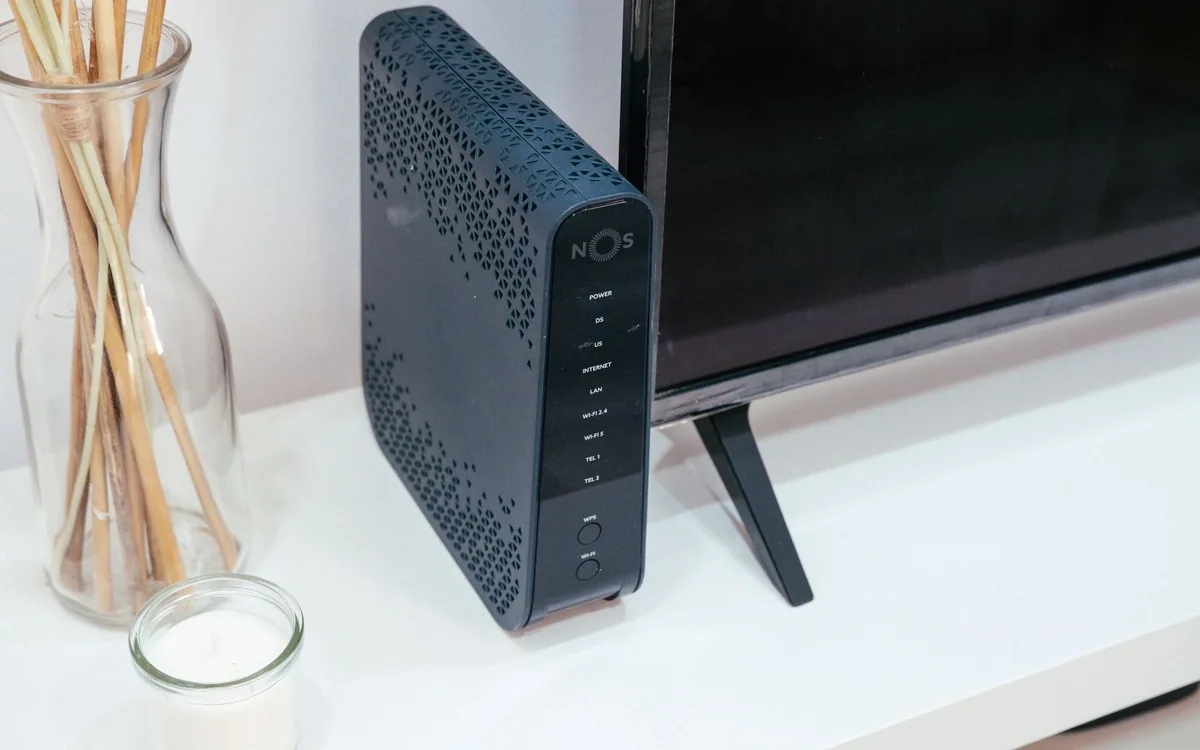
Thread accessories can require a compatible Thread border router, while a Matter-over-Wi-Fi plug connects through Wi-Fi. A controller and a border router are roles, and one household device may perform more than one role. Check the current support documentation for your selected platform. Do not buy a separate hub until you know which role is actually missing.
Choose the household app before shopping
Ask who will use the system on a Tuesday evening when you are not home. If everybody already uses one home app and compatible phones, building around that arrangement reduces support work. A household split across phone platforms should compare shared-access procedures before deciding. The administrator's favorite ecosystem is not automatically the easiest choice for everyone else.
Make a small inventory of existing controllers, routers, speakers, and subscriptions. Identify the exact model names, not just the brands. Then verify whether the specific accessory exposes your required feature in the selected platform. Basic on/off control may work across ecosystems while vendor-specific energy reports, advanced scenes, or updates remain in the manufacturer's app.
Commission one accessory and prove the routine
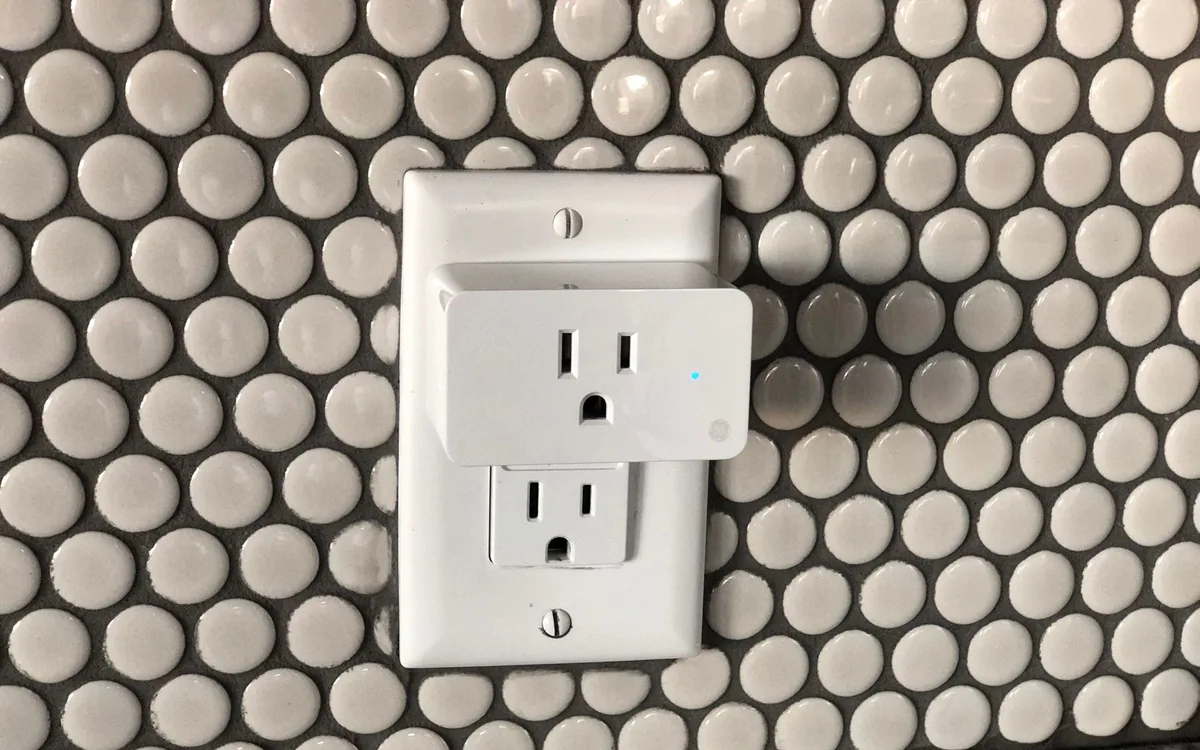
A Tapo P125M is one published example of a Matter-capable Wi-Fi plug. For an appropriate US lamp, it provides a relatively reversible way to learn the workflow. Save its setup information privately, name it by room, and keep the physical button reachable. Use the manufacturer's instructions for firmware and pairing instead of repeatedly resetting devices when something fails.
Once it appears in your chosen app, try manual control, the intended schedule, another household member's access, and recovery after restarting the relevant equipment. These are your acceptance checks, not a claim about universal Matter behavior. Record which app owns the automation so you do not later create two routines that disagree about the same light.
Expand by capability, not by brand loyalty
After a week of ordinary use, ask which inconvenience remains. Perhaps a physical button would help more than another bulb. Perhaps the router location is causing unreliable connections. Buying the missing capability creates a more coherent system than collecting discounted devices and inventing uses afterward. Keep packaging until the chosen accessory is confirmed to suit the intended room and household.
Skip a Matter-centered rebuild if your present equipment already performs the job reliably. Replacing working gear solely for a label can cost more than it solves. For the next purchase, compare platform support, power source, update policy, fallback controls, and return conditions. Those practical details determine ownership experience long after the setup animation has finished.
Common questions
Does Matter remove the need for every hub?
No. Requirements depend on the accessory transport, platform, and existing equipment. Check controller and Thread border-router needs separately.
Do I have to replace my Wi-Fi router?
Usually you should investigate the existing network first. A compatibility label alone is not a reason to buy an entirely new router.
Can I keep the manufacturer app?
Often it remains useful for device updates or additional settings. Verify the product documentation and avoid creating conflicting automations in multiple apps.
Sources & editorial notes
Manufacturer and support documentation checked for this guide. Features, regional availability, and prices can change. Our recommendations apply those documented features to everyday scenarios; they do not represent hands-on testing.
- Connectivity Standards Alliance: Matter · Checked 2026-10-19
- Tapo P125M requirements · Checked 2026-10-19
Found an error? Tell the editorial desk with the article link and a supporting source.